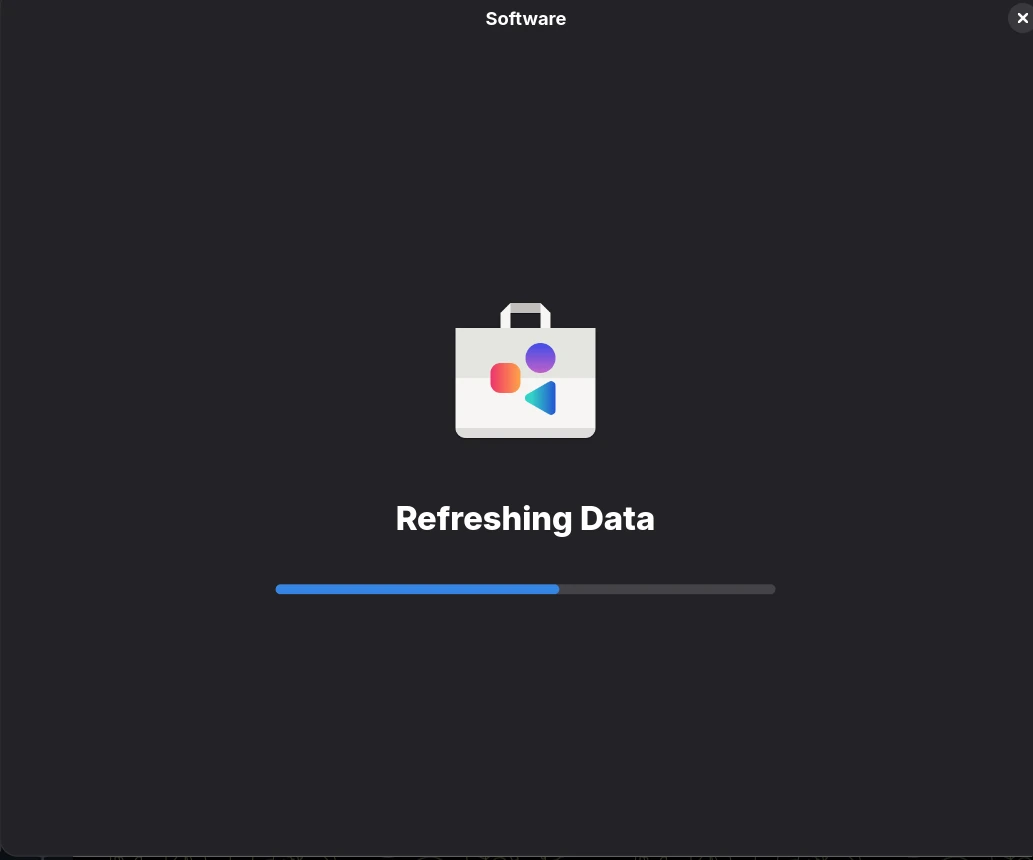
GNOME Software is the default package management UI on Fedora Workstation. After upgrading from Fedora 43 to Fedora 44, the application can hang indefinitely on the “Refreshing Data” screen, never showing apps or updates. This post walks through a real scenario where the cause turned out to be a single misconfigured third-party repository, and how I tracked it down.
The Problem
After upgrading to Fedora 44 (kernel 6.19, GNOME 50, dnf5 5.4.x), GNOME Software opened, displayed “Refreshing Data” with an animated progress bar, and never progressed past it. The bar would partially fill, then stop. Closing and reopening the window made no difference. Waiting fifteen minutes did not help.
CLI package operations (sudo dnf upgrade, flatpak update) kept working normally. The issue was specific to the GNOME Software UI.
What Caused It
In Fedora 44, GNOME Software 50.1 dropped its long-standing PackageKit plugin and replaced it with a new dnf5 plugin (libgs_plugin_dnf5.so) that talks to dnf5daemon-server over D-Bus. Unlike the old PackageKit/dnf4 stack, the new dnf5 plugin is stricter about repository metadata signatures. Any third-party repo with repo_gpgcheck=1 whose repomd.xml is not actually signed will cause the refresh to hang silently — old dnf4 tolerated this with a warning; dnf5daemon does not.
This is not specific to one vendor. Common candidates I’ve seen or heard reported are vendor IDE repos (Cursor, VS Code, Sublime), proprietary tooling repos (Microsoft, Google Chrome, Slack, Zoom), abandoned or experimental COPR repos, and internal/private mirror setups that don’t bother signing metadata. If you have several third-party repos enabled, any one of them with an unsigned repomd.xml can be the trigger — the hang doesn’t tell you which.
In my case, the offending repo turned out to be the Cursor IDE repo at /etc/yum.repos.d/cursor.repo:
[cursor]
name=Cursor
baseurl=https://downloads.cursor.com/yumrepo
enabled=1
gpgcheck=1
gpgkey=https://downloads.cursor.com/keys/anysphere.asc
repo_gpgcheck=1Cursor signs RPM packages with the Anysphere key, but does not sign repomd.xml itself. The repo was working fine on Fedora 43 — it broke the moment dnf5 became the backend for GNOME Software.
What Didn’t Work
Clearing the GNOME Software Cache
rm -rf ~/.cache/gnome-software/*The cache had grown to 253 MB (mostly icons). Wiping it forced GNOME Software to rebuild from scratch. Result: no change — UI hung at the same point.
Restarting Services
systemctl --user restart gnome-software.service
sudo systemctl restart packagekit.service
sudo systemctl restart dnf5daemon-server.serviceAll three services restarted cleanly and stayed alive, but the next UI launch produced the same hang.
Refreshing Metadata Manually
sudo dnf clean all
sudo dnf makecachednf makecache reported success and emitted one warning I initially dismissed:
>>> repomd.xml GPG signature verification error: Signing key not foundGNOME Software still hung after this.
Removing Stale Fedora 43 Packages
dnf remove of leftover fc43 kernels and the Fedora 43 GPG key changed nothing. Fedora 43-tagged packages that remain in Fedora 44 (e.g. zeromq-4.3.5-22.fc43, xdg-user-dirs-0.18-11.fc43) are normal — Fedora reuses unchanged binaries across releases — and were never the cause.
Verbose-Logging GNOME Software
G_MESSAGES_DEBUG=all gnome-software --verboseVerbose logging revealed the exact timing: GNOME Software loaded all xmlb silos in three seconds, emitted plugin 'flatpak' failed to list apps: Unsupported query, then went silent for 58 seconds until an internal hourly timer fired. Per-thread inspection of /proc/<pid>/task/*/wchan showed gs-plugin-dnf5, gs-plugin-flatpak, gs-plugin-appstream, and gs-icon-downloader all parked in poll_schedule_timeout with zero CPU usage and zero open network connections. The plugin had asked dnf5daemon for something and was waiting forever.
The Fix
If you don’t already know which repo is the culprit, narrow it down first by bisecting your enabled repos. Disable everything third-party in one shot, restart the relevant services, and see if GNOME Software opens normally:
# Example — adjust to whichever repos you have enabled
sudo dnf config-manager setopt \
cursor.enabled=0 \
code.enabled=0 \
google-chrome.enabled=0 \
'rpmfusion-*.enabled=0'
sudo systemctl restart dnf5daemon-server.service
systemctl --user restart gnome-software.serviceIf GNOME Software now opens cleanly, re-enable the repos one by one (setopt <repo>.enabled=1 + restart the same two services) until the hang reappears. The last repo you enabled is your offender.
Once you have the offender, disable metadata signature checking on it while keeping package signature checking enabled. Replace cursor.repo below with whichever .repo file matches your case:
REPO=/etc/yum.repos.d/cursor.repo
sudo cp "$REPO" "$REPO.bak"
sudo sed -i 's/^repo_gpgcheck=1$/repo_gpgcheck=0/' "$REPO"
sudo dnf clean all
sudo dnf makecache --refresh
sudo systemctl restart dnf5daemon-server.service
systemctl --user restart gnome-software.serviceThe next gnome-software launch passed the “Refreshing Data” screen in under 30 seconds and showed the full app list.
Why This Works
Two RPM repository options control GPG verification, and they are independent:
gpgcheck=1verifies signatures of RPM packages at install/update time. Critical for security — keep it enabled.repo_gpgcheck=1verifies the signature ofrepomd.xml(the repo’s metadata index) at refresh time. Optional, and only useful if the upstream actually signs its metadata.
Cursor signs packages with the Anysphere key but does not publish a signed repomd.xml.asc. With repo_gpgcheck=1, every metadata refresh fails verification. dnf4 emitted a warning and continued; dnf5daemon, which gnome-software now relies on, blocks silently and hangs the entire UI refresh.
Setting repo_gpgcheck=0 skips only the metadata signature check. Package signatures are still verified by gpgcheck=1, so Cursor RPMs cannot be tampered with in transit without you noticing — security posture is unchanged.
Prevention
If GNOME Software hangs on “Refreshing Data” after a Fedora 44 upgrade and you have third-party repos enabled, audit each .repo file for repo_gpgcheck=1:
grep -l "^repo_gpgcheck=1" /etc/yum.repos.d/*.repoFor each match, check whether the upstream actually signs repomd.xml:
curl -sI "$(awk -F= '/^baseurl/{print $2}' /etc/yum.repos.d/<repo>.repo)/repodata/repomd.xml.asc"If you get a 404, the repo doesn’t sign its metadata. Set repo_gpgcheck=0 on those repos.
A dnf upgrade of the upstream package that ships the repo file may revert the change. If the issue returns weeks later, re-apply the same sed fix.
Takeaways
- Fedora 44 replaced GNOME Software’s PackageKit plugin with a new dnf5 plugin that is stricter about metadata signature failures than the old stack.
- Any third-party repo with
repo_gpgcheck=1but an unsignedrepomd.xmlwill silently hang GNOME Software’s refresh, even thoughdnffrom the CLI keeps working with only a warning. Cursor was my case; yours could be VS Code, Chrome, Slack, an old COPR, or an internal mirror. - If you don’t know which repo is at fault, bisect: disable all third-party repos, confirm GNOME Software works, then re-enable them one by one until the hang returns.
- The fix is
repo_gpgcheck=0on the broken repo. Keepgpgcheck=1to preserve package signature verification. - When GNOME Software hangs on “Refreshing Data,” check
/proc/<pid>/task/*/wchanand verbose logs (gnome-software --verbose) before touching caches — the symptom points straight at a single misbehaving plugin thread.